
This manual introduces the Bluetooth pairing method for Phonak ComPilot and BlackBerry mobile phone
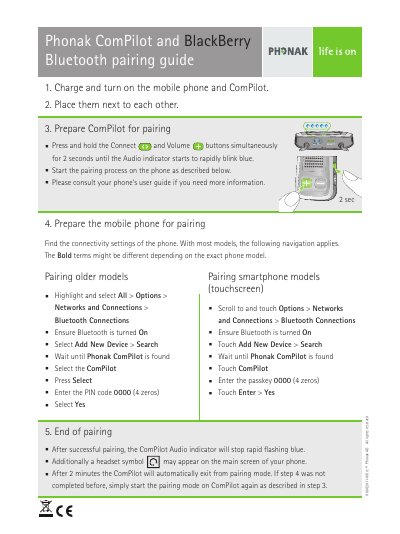
This guide provides step-by-step instructions for pairing a Phonak ComPilot with a BlackBerry mobile phone using Bluetooth.
It covers preparing both devices, entering the PIN code 0000, and confirming successful pairing through the ComPilot audio indicator.
| PIN code | 0000 (4 zeros) |
|---|---|
| Pairing button hold time | 2 seconds |
| Automatic pairing mode exit | 2 minutes |
The PIN code is 0000 (4 zeros).
Press and hold the Connect and Volume buttons simultaneously for 2 seconds until the Audio indicator starts to rapidly blink blue.
The ComPilot Audio indicator stops rapid flashing blue, and a headset symbol may appear on the phone's main screen.