
Step-by-step instructions for pairing a Phonak ComPilot hearing aid with an iPhone via Bluetooth, including preparation and PIN entry.
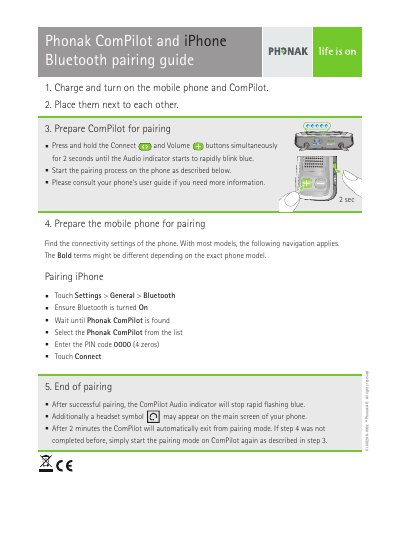
This guide provides step-by-step instructions for pairing a Phonak ComPilot with an iPhone using Bluetooth. It covers the initial setup by charging and turning on both devices, preparing the ComPilot to enter pairing mode, and navigating the iPhone's connectivity settings to complete the connection.
After successful pairing, users can expect the ComPilot's Audio indicator to stop flashing rapidly blue, and a headset symbol may appear on the iPhone screen. The guide also notes that the device will automatically exit pairing mode after two minutes if the process is not completed.
The PIN code required for connection is 0000 (4 zeros).
The Audio indicator will stop rapidly flashing blue, and a headset symbol may appear on the phone screen.
The device will automatically exit from pairing mode after 2 minutes if the connection is not completed.