
This user guide provides instructions for setting up, charging, and using the Phonak ComPilot II to wirelessly connect Bluetooth devices and audio sources…
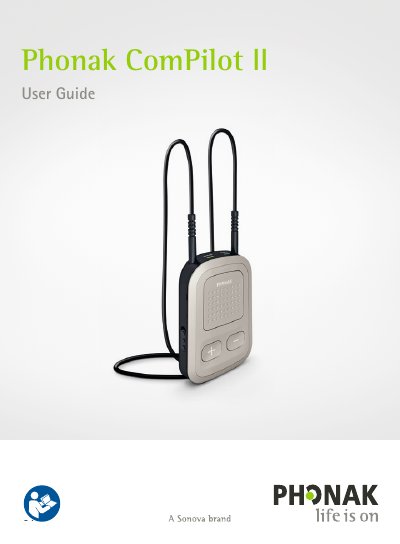
The Phonak ComPilot II is a premium-quality device designed to wirelessly connect Bluetooth-enabled devices, such as cell phones and MP3 players, to compatible hearing aids. It also functions as a remote control for adjusting volume and programs on the hearing aids and can be used with Roger/FM receivers.
Before use, the device must be set up and charged. The guide details how to pair the ComPilot II with a phone, make and accept calls, stream audio via cable or Bluetooth (including from TVs), and manage multiple inputs. It also covers troubleshooting common issues and provides important safety information regarding moisture, heat, and electromagnetic interference.
| Power supply output voltage | 5.0V DC 1000mA 5W LPS |
|---|---|
| Charger input voltage | 100-240V AC 50/60Hz 0.2A |
| USB cable length limit | <3m |
You must charge it for at least 3 hours before using it for the first time.
The default pairing code is 0000.
Yes, it can connect to two phones simultaneously, but only one call can be made or received at a time.