
This user guide explains the setup, charging, operation, and troubleshooting for the Phonak iCube II wireless data transfer device used with hearing…
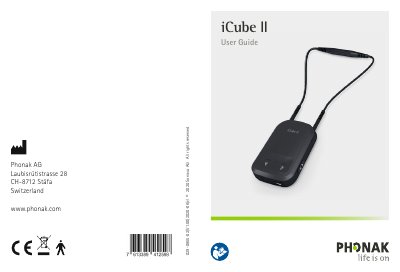
The Phonak iCube II is a wireless device designed for hearing care professionals to transfer fitting data from a PC to client hearing instruments. It features a battery-operated design with a neckloop for positioning near the hearing aids and connects to a computer via a pre-paired USB adapter or a USB cable.
| Operating time | up to twelve hours |
|---|---|
| Charging time (depleted) | approx. 2 hours |
| Charging time (initial) | at least three hours |
| Power supply output | 5.0V DC 1000mA 5W |
| Charger input voltage | 100-240V AC 50/60Hz 0.2A |
Phonak Target 4.0 or newer must be installed on the fitting PC.
Switch iCube II on and press the pairing button for 2 seconds to start pairing mode.
It indicates that the battery is low and the device needs to be charged.
Yes, it can connect to any Bluetooth capable PC if a USB socket is not available.