
VIP X1600 module Quick Installation Guide, which introduces how to install VIP X1600 module in VIP X1600 base and how to wiring.
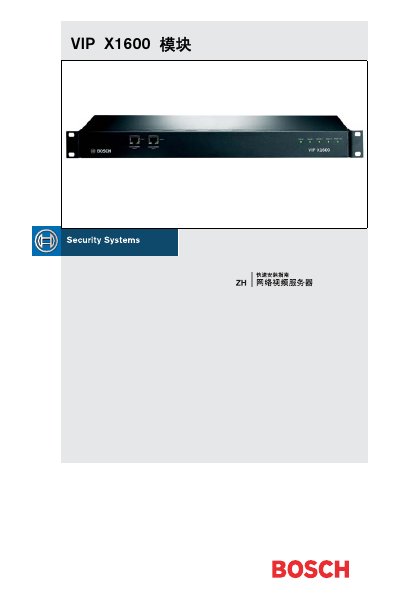
This Chinese-language quick installation guide (2006-08, V2.0) explains how to install a VIP X1600 module in a VIP X1600 base and how to wire it. It covers delivery items, unpacking, module installation, camera, alarm, relay, serial and audio connections, IP address assignment, and checking connections.
The guide states that it covers only basic installation information and does not replace the full user manual. It describes basic or audio versions; audio connections apply only to the audio version. Relay power must not exceed 30 V, 800 mA. This manual is written in Chinese.
| Video inputs | 4 (Video In 1 to Video In 4) |
|---|---|
| Relay outputs | 4 (R1 to R4) |
| Relay power maximum | 30 V, 800 mA |
| Audio line input | 9 kOhm typical; max 5.5 Vp-p |
Insert the module into the leftmost first slot using the left and right guides. If the first slot is occupied, use another free slot.
Yes. The guide says modules can be installed and removed while the VIP X1600 base is running, but extra care should be taken.
The relay power specification must not exceed 30 V, 800 mA.
Install and start Configuration Manager from the supplied CD, select the module, open the Network tab, enter the IP address, and click Set. The IP address takes effect at the next startup.