
This manual introduces the use of the Philips CEM2101 car audio, including installation, power on, radio listening, audio file playback, sound adjustment, system settings adjustment, maintenance, etc.
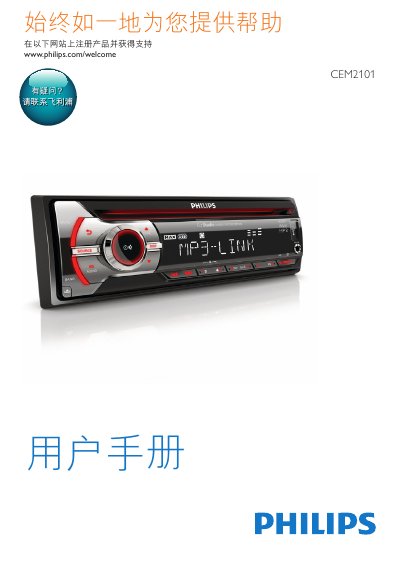
This manual provides step-by-step instructions for installing and operating the Philips CEM2101 car audio system. It covers connecting to power and speakers, tuning radio stations, playing audio files from USB or CD, adjusting sound settings, and troubleshooting. Safety precautions are included for proper installation and use.
The system supports FM/AM radio, CD, and USB playback with MP3 and WMA formats. It includes controls for volume, bass, equalizer, and zone selection. Technical specifications such as power output, speaker impedance, and dimensions are listed. This manual is written in Chinese.
| Power | 12 V DC (11 V - 16 V), negative ground |
|---|---|
| Fuses | 15 A |
| Speaker Impedance | 4 - 8 Ω |
| Maximum Power Output | 40 W x 4 channels |
| Dimensions | 181.5 x 52 x 191.4 mm |
| Weight | 1.47 kg |
| FM Frequency Range | 87.5 - 108.0 MHz |
| AM Frequency Range | 522 - 1620 kHz (9 kHz) or 530 - 1710 kHz (10 kHz) |
| USB Supported Formats | MP3, WMA (V4, V7, V8, V9) |
The device requires 12 V DC (11 V - 16 V), negative ground.
The maximum power output is 40 W x 4 channels.
Connect the speakers using the provided ISO connectors, ensuring proper wire color coding and grounding.