
This guide describes how to install and configure HP ProCurve Switch 2800 Series switches.
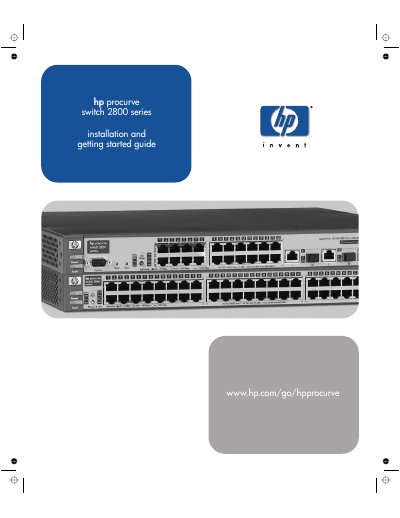
This guide covers the HP ProCurve Switch 2800 Series, including the HP ProCurve Switch 2824 and HP ProCurve Switch 2848. It describes the front and back of the switch, switch features, included parts, and installation procedures.
It also covers connecting power and network cables, optional redundant power supply and console connections, sample network topologies, configuring the switch, troubleshooting, switch specifications, port and cable information, and safety and EMC regulatory statements.
The guide lists the HP ProCurve Switch 2824 and HP ProCurve Switch 2848 as applicable products.
The publication number printed in the guide is 5990-3093.
The troubleshooting section includes diagnosing with the LEDs.