
This guide explains how to install and configure Sharp Remote Device Manager (SRDM) server software on Windows Server, covering requirements, setup, SSL…
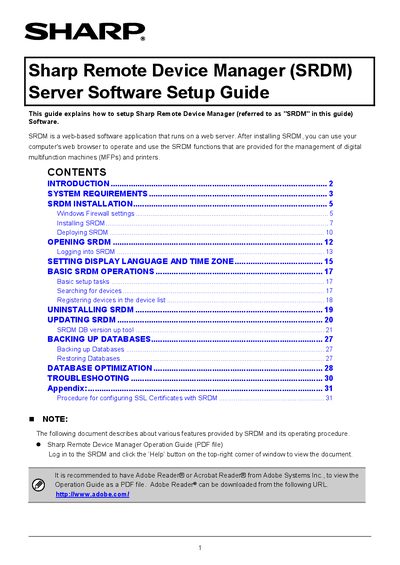
The Sharp Remote Device Manager (SRDM) Server Software is a web‑based application for managing Sharp and other manufacturers' digital multifunction machines and printers. The guide walks administrators through system requirements, Windows Firewall configuration, installation steps, and deployment modes.
It also details post‑installation tasks such as opening SRDM, logging in, setting language and time zone, basic operations, backup and restore of databases, and configuring SSL certificates. Troubleshooting tips and an appendix with SSL certificate procedures are included.
| Supported Browsers | Google Chrome 32 & 64‑bit, Internet Explorer 9.0, 10.0, 11.0 |
|---|---|
| Recommended CPU | Core2 Duo 2.0 GHz or higher |
| Recommended Memory | 4 GB or more |
| Recommended Hard Disk Space | 80 GB or more |