
Philips 271B8 monitor user manual, introduces the installation, operation, maintenance and other contents of the monitor, including the monitor's safety measures, logo descriptions, product and packaging material disposal, monitor installation, image optimization, adaptive sync, technical specifications, power management, customer service and warranty, troubleshooting and FAQs
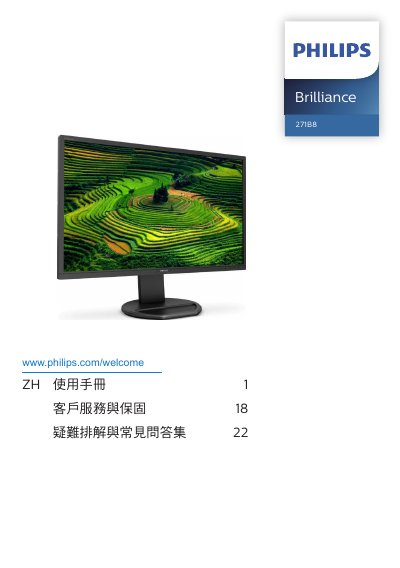
This is the user manual for the Philips Brilliance 271B8 monitor, written in Chinese. It explains how to install and operate the display, including attaching the stand, connecting a computer via VGA, DVI, HDMI or DisplayPort, and using the USB ports and headphone jack.
The manual also describes the on-screen display menu (picture format, brightness, contrast, color temperature, OSD settings), the SmartImage and SmartContrast features, Adaptive Sync, the recommended resolution of 1920 x 1080 @ 60 Hz, operating temperature and humidity limits, warranty conditions, and a troubleshooting and FAQ section.
| Native resolution | 1920 x 1080 @ 60 Hz |
|---|---|
| Audio | Audio input and headphone jack |
The display is designed to perform best at its native resolution of 1920 x 1080 @ 60 Hz; a message appears on screen when other resolutions are used.
The manual recommends 1920 x 1080 @@60 Hz for best results.
Use the monitor within 0-40*C (32-104*F).
Use the monitor within 20-80% RH.