
Installation, connection, operation guide of E-Vision 6800 3D series high brightness digital video projector.
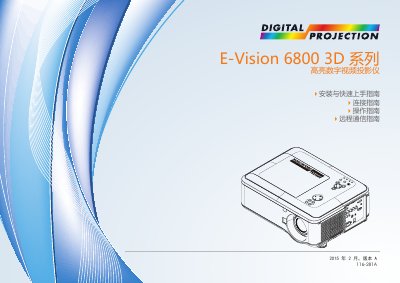
This manual provides step-by-step instructions for installing, operating, and configuring the Digital Projection E-Vision 6800 3D digital video projector. It includes sections on connecting inputs, adjusting image settings, using remote controls, and setting up network and RS232 communication. The guide also covers 3D functionality, lamp and lens replacement, and troubleshooting indicators.
The projector supports multiple 3D formats, HDBaseT for long-distance signal transmission, and features like BrilliantColor™ and DynamicBlack™ for enhanced image quality. It can be controlled via LAN or RS232, and includes web-based configuration tools for advanced settings. This manual is written in Chinese.
| 3D Support | Supports multiple 3D formats |
|---|---|
| Signal Transmission | HDBaseT® for uncompressed HD video up to 100 meters |
| Color Enhancement | BrilliantColor™ and DynamicBlack™ |
| Control Interfaces | LAN and RS232 |
| Lens Control | Motorized lens base |
HDBaseT supports up to 100 meters of uncompressed HD video transmission.
The PJLink TCP port number is 5450.