
Installation and quick start guide for the Digital Projection Titan Quad and Titan 800 Series high-definition digital projectors.
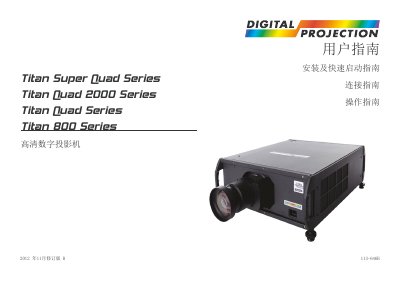
This manual serves as an installation and quick start guide for the Digital Projection Titan Quad and Titan 800 Series high-definition digital projectors. It details the contents of the shipping box, provides front and rear views of the projector, explains control panel indicators, and describes connection board status lights.
The document covers essential setup procedures including positioning the projector relative to the screen, adjusting the chassis feet for balance, installing optional mounting brackets, and attaching the lens. It also includes instructions on operating the projector, selecting input signals, performing self-tests, and adjusting zoom, focus, and keystone correction. This manual is written in Chinese.
The Power light shows 'off' when closed, green for normal operation mode, and orange for standby mode.
Press and hold the power button for 3 seconds using either the remote control or the control panel.
The projector should not be tilted more than ±12° in any direction during desktop or ceiling-mounted use.