
This document is the user manual of Titan 800 Series high brightness digital video projector, including installation, quick start, connection, operation and reference guides.
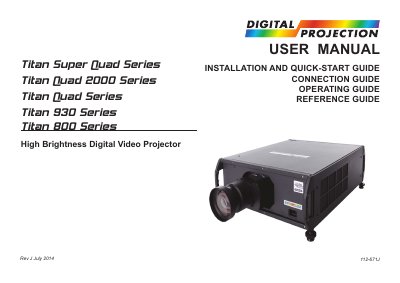
This document serves as the user manual for the Digital Projection Titan 800 Series High Brightness Digital Video Projector. It covers installation procedures, quick-start steps, connection guides, and detailed operating instructions for the projector. The manual includes specific guidance for positioning the screen and projector, fitting the lens, and adjusting image settings.
| Resolution | WUXGA / 1080p / SX+ |
|---|---|
| Lamps | 2 x 400 W HID High Intensity Discharge |
| Contrast ratio | 2,000:1 |
| Color system | 3-chip DLP |
| Display type | 3 x 0.95" DarkChip DMD |
| Bandwidth | 170 MHz on analog RGB |
The projector supports most 3D standards, full range of digital and legacy analog inputs, and control via LAN and RS232.
The serial number is located on the back of the projector.
It uses two 400 W HID High Intensity Discharge lamps.