
Digital Projection E-Vision 7500 Series High Brightness Digital Video Projector User Manual

This manual explains the features and usage of the E-Vision 7500 Series projectors.
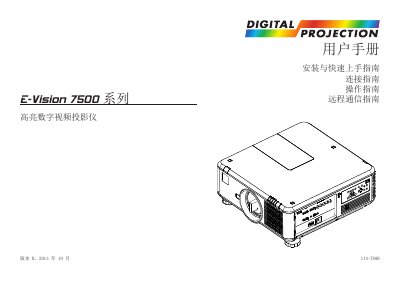

Digital Projection E-Vision 7500 Series High Brightness Digital Video Projector User Manual - cover page
Brand
Digital Projection
Category
Projector
Document type
User Manual
Language
Chinese
Pages
80
File format
PDF
File size
4.8 MB
Published
20 October, 2023
Updated
20 October, 2023
MD5 checksum
D74FA848D15330B046BDD818B6F7EA21

About this manual

This user manual provides detailed instructions for installing, operating, and configuring the Digital Projection E-Vision 7500 Series high brightness digital video projector. It covers connecting inputs, adjusting focus and image settings, and using remote control and network interfaces. The manual includes sections on replacing components like lenses and bulbs, setting up the projector, and using the web-based configuration utility for network control. This manual is written in Chinese.

What's inside

  • 包装盒内容物
  • 投影仪概要
  • 更换镜头、灯泡、过滤器和色轮
  • 屏幕与投影仪的摆放位置
  • 投影仪的操作
  • 连接指南
  • 操作指南
  • 远程通信指南
  • 网页配置实用程序
  • 电子邮件设置

Frequently asked questions

What is the model of the projector?

The model is E-Vision 7500 Series.

What is the default LAN IP address for the projector?

The default LAN IP address is XXX.XXX.X.XXX.

What is the power command to turn the projector on?

The command is power.on.

What is the power command to turn the projector off?

The command is power.off.

Download PDF (4.8 MB)

More Digital Projection Manuals


View all Digital Projection manuals →