
The manual of automatic denim pocket setter
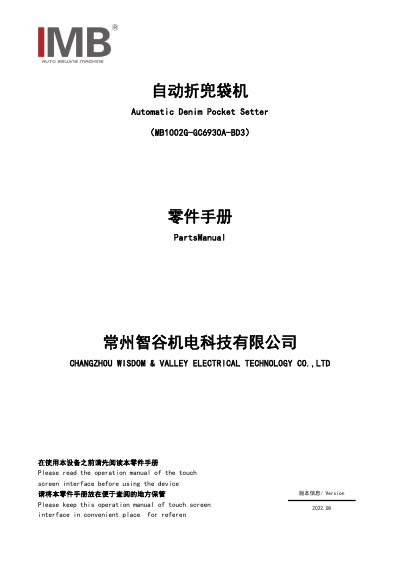
This is the parts manual (version 2022.08) for the IMB MB1002G-GC6930A-BD3 automatic denim pocket setter, an industrial sewing machine. Page 2 states that the machine documentation is split into three parts: the MB1002G Operation Manual, the MB1002G Parts Manual and the MB1002G Instruction Manual for the electric control system.
The pages shown describe the touch screen control panel: the main interface and the machining (sewing) interface, spindle needle position adjustment, the main function menu, sewing data settings such as the speed limit and bobbin-thread counter, and pattern programming (creating and editing patterns). They also cover device detection and parameter setting for sensors/switches, solenoids, motors and servo motors, auxiliary settings such as time correction, language selection, upgrade/backup and restoring settings, and appendices with the input/output wiring table, the system parameter table, the error code table and the electric control configuration diagram. This manual is written in Chinese.
| Model | MB1002G-GC6930A-BD3 |
|---|---|
| Speed adjustment step | 100 |
Confirm that the air supply and the power supply are both connected before switching on the power; after self-check the screen goes to the main control interface.
The system reports error E046, telling the operator that the remaining bobbin thread is not long enough and the bobbin must be changed.
The speed keys on the main interface and the sewing interface raise or lower the speed in steps of 100, and the maximum speed is also limited by the value set in the system parameters.
Operate it with a finger and avoid touching the screen with sharp objects, which could permanently damage it.