
This is a user manual for EDIFIER USB K815 earphone, which includes instructions on how to turn on/off the earphone, set the volume, and mute the microphone. It also includes tips for maintenance and storage.
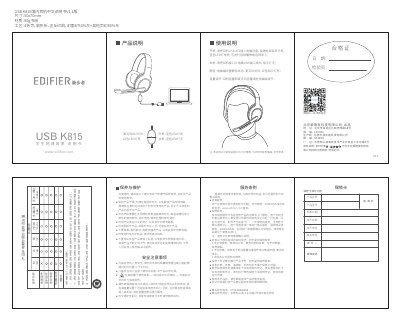
The Edifier USB K815 is a USB headset described in this Chinese-language user manual. The document explains connecting the USB-A plug to a computer, powering the headset on and off, and reading the blue and red LED indicators.
The manual also gives care and maintenance advice, safety warnings, and warranty service terms, including a one-month replacement and one-year warranty period. This manual is written in Chinese.
| Interface | USB-A |
|---|---|
| Power-on indicator | Blue LED stays on |
| Mute indicator | Red LED on |
| Volume control | Adjusted on the computer |
Plug the headset's USB-A connector into a computer USB port; the blue LED lights and the headset is on.
Set mute on the computer; the microphone turns off and the red indicator lights.
Adjust both headset volume and microphone volume on the computer.
The document states a one-month replacement under the stated conditions and a one-year warranty from purchase.