
DINION IP bullet 5000 HD user manual, introduces the product's browser connection, system overview, operation guide, configuration and other contents, suitable for the user of the product.
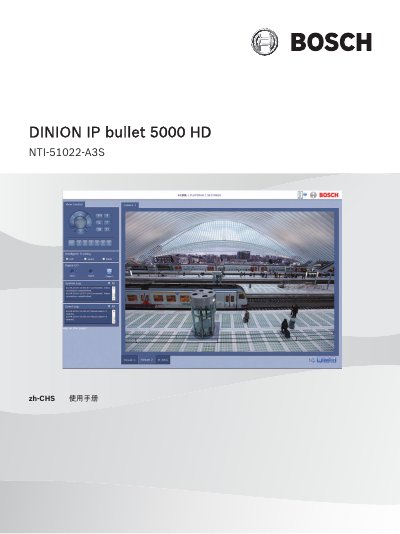
The document is a Chinese-language user manual for the Bosch DINION IP bullet 5000 HD NTI-51022-A3S IP bullet camera. Its table of contents lists browser connection, operation through a browser, general configuration, camera configuration, encoder settings, recording, alarms, VCA settings, network and service sections.
The text explains connecting to the camera with a web browser, using DHCP by default, setting an initial service-level password, and viewing live or recorded images. It also covers configuring camera and encoder parameters, recording storage, alarm handling and network access. This manual is written in Chinese.
| Maximum web browser connections | 50 |
|---|---|
| Maximum client connections | 100 |
| RCP+ port | 1756 |
| Factory DHCP setting | On and link-local |
| Link-local address range | 169.254.1.0 to 169.254.254.255 |
A computer with Internet Explorer version 11 or higher is recommended; applications such as Video Security Client, Bosch Video Client or Bosch Video Management System can also be used.
DHCP is enabled and set to link-local at the factory, so a DHCP server assigns the IP address; if none is available, an address in 169.254.1.0 to 169.254.254.255 is used.
Up to 50 web browser connections, or up to 100 connections through Bosch Video Client or Bosch Video Management System, depending on device and network configuration.
When prompted, enter the username 'service' and a service-level password; the device requires a strong password.