
This is the user manual of ST-8800D hot air station, which introduces the use method, function features and other information of the hot air station
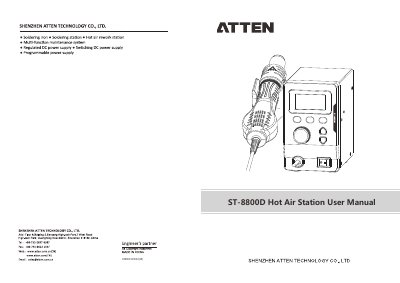
This document is the user manual for the ST ST-8800D Hot Air Station. It provides instructions on operating the device, including how to adjust temperature and air flow, set shortcut temperatures, and manage timing functions. The guide also explains how to enter menu modes for calibration, password setting, and restoring factory settings.
| Voltage | AC230V±10% 50Hz (110V±10% 60Hz Optional) |
|---|---|
| Temperature range | 100℃~500℃/212℉~932℉ |
| Air flow | 30~120L/min |
| Temperature accuracy | ±50°C/±90°F |
| Fuse type | T5A T10A |
| Dimension | 167(L)x142(W)x148(H)mm |
| Weight | About 1560g |
In the FAC menu, press the [2] key when the menu is ON, then return to the normal operation interface.
The minimum setting time is 10 seconds and the maximum is 900 seconds.
Press Button “1”/ “2”/ “3” more than 2 seconds to save the user-defined temperature.
The 'S-E' display indicates a sensor fault.