
User manual for the ST‑LINK series debugger/programmer covering features, hardware, connectors and software setup.
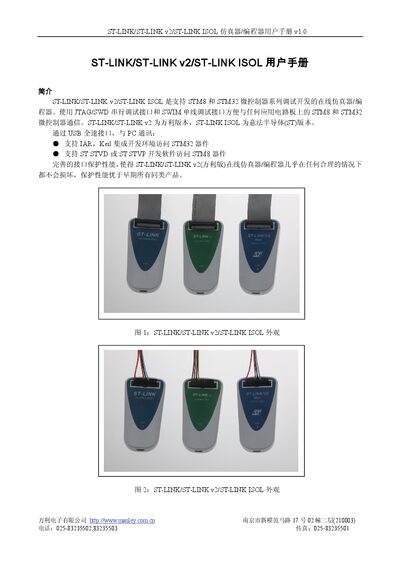
The ST‑LINK, ST‑LINK v2 and ST‑LINK ISOL are on‑board emulators and programmers for STM8 and STM32 microcontrollers. They communicate via USB full‑speed and support JTAG/SWD as well as SWIM interfaces, allowing debugging and programming of a wide voltage range.
The manual describes basic features, hardware configuration, connector pin definitions, required drivers and software, and includes revision history. It also provides guidance on connecting the device to target boards and obtaining the necessary ST software from the STMicroelectronics website. This manual is written in Chinese.
| USB interface | USB 2.0 full‑speed, Type‑A to mini‑B cable |
|---|---|
| JTAG/SWD voltage range | 1.65 V to 3.6 V |
| SWIM voltage range | 1.65 V to 5.5 V |
| SWIM data rates | Low 9.7 kB/s, High 12.8 kB/s |
| Operating temperature | 0 °C to 50 °C |
| Core processor | Cortex‑M3 (STM32F10xC8) |
| Connector | 20‑pin 2.54 mm double‑row socket |
Yes, the ST‑LINK v2 uses the WinUSB driver and requires the USB driver to be installed.
The device operates from 0 °C up to 50 °C.
SWIM works with voltages from 1.65 V to 5.5 V.