
This manual introduces the basic functions of the Wireless N300 ADSL2+/3G Modem Router and provides instructions for use.
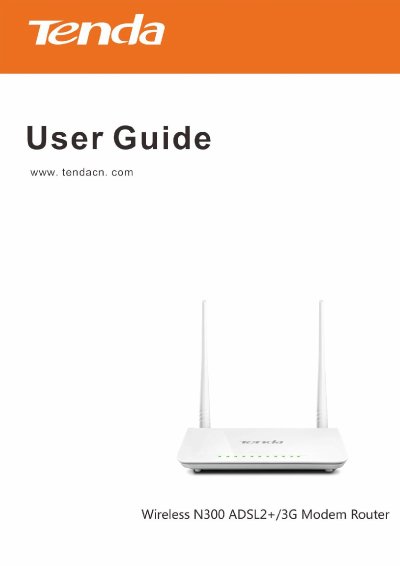
This User Guide from Tenda covers the Wireless N300 ADSL2+/3G Modem Router D303 and instructs you how to install and configure the device. It mentions that the guide refers to the Tenda Wireless N300 ADSL2+/3G Modem Router D303 and provides support website, phone, and email details.
The guide includes chapters on product overview, getting started, quick internet setup, and advanced settings, followed by appendix material. The content describes package contents, hardware overview, LEDs, buttons and ports, installation considerations, and setup steps for phone cable, Ethernet, or 3G access.
Contact your dealer. The guide states that if any parts are incorrect, missing, or damaged, contact your dealer.
Press the WPS/RST button for 10 seconds. The guide states that this resets the device to factory default settings.
The default SSID is Tenda_XXXXXX, where XXXXXX is the last 6 characters of the MAC address.