
M7CL Quick Start Guide Part 3 introduces scene management and other memory functions on the M7CL, including how to store and recall scenes, manage the scene list, edit scenes, limit the effects of scene recall, recall protection, focus, what is included in a scene, save and load data, other memory data, and how to use Studio Manager and M7CLV3 Editor to manage scenes and edit console files.
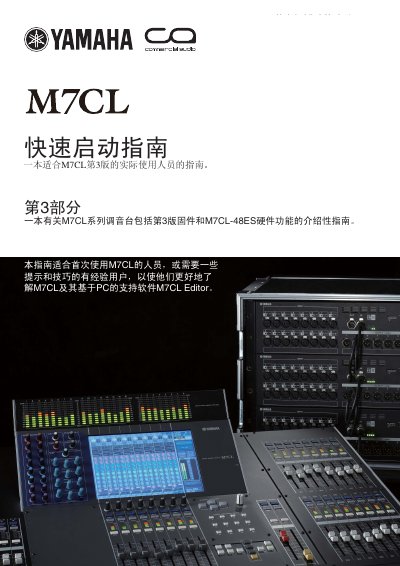
This is Part 3 of the Yamaha M7CL Quick Start Guide. It covers scene memory usage and PC/Mac-based software for remote control and setup, including Studio Manager and M7CL Editor. M7CL-48ES users should also consult Yamaha's EtherSound setup guide.
The M7CL can store 300 numbered scene memories plus read-only scene 000. Topics include storing and recalling scenes, managing the scene list, editing single or multiple scenes with Global Paste, and limiting scene recall effects with Recall Safe and Focus. This manual is written in Chinese.
| Scene memory capacity | 300 numbered scenes plus read-only scene 000 |
|---|
It can store 300 numbered scene memories plus read-only scene 000.
No, scene 000 is read-only and cannot be overwritten.
Studio Manager and M7CL Editor are used for remote control and setup on PC/Mac.