
The Yamaha DME Designer User Manual provides installation, network setup, and operation instructions for DME devices.
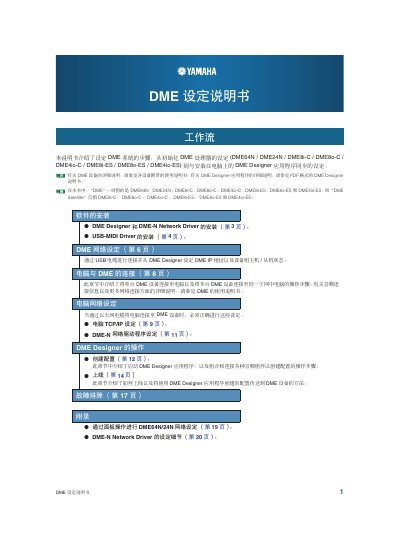
This manual explains how to install the DME Designer software and the DME‑N Network Driver using the Combo Installer, including steps for Windows XP, Vista, and 2000. It also covers USB‑MIDI driver installation and required system specifications.
The guide details network configuration of DME devices, including device‑group setup, IP address assignment, master/slave selection, and advanced settings such as automatic device detection and saving/loading configuration files.
| Operating System | Windows 8, XP Professional, 2000 Professional |
|---|---|
| CPU | 1 GHz or higher Intel Core / Pentium / Celeron |
| Memory | 256 MB or higher (1 GB or higher for Vista/Windows 8) |
| Disk Space | 300 MB or higher |
| Display | 1280 × 1024 pixels, 16‑bit color |
Run the DME Designer Combo Installer, double‑click setup.exe, install DME Designer first, then the DME‑N Network Driver; the installer will restart the computer if needed.