
This user manual introduces the features of the Lennox S40 Smart Thermostat and guides you through connecting the thermostat to your home Wi-Fi network, using the thermostat, and using the Lennox Smart App.
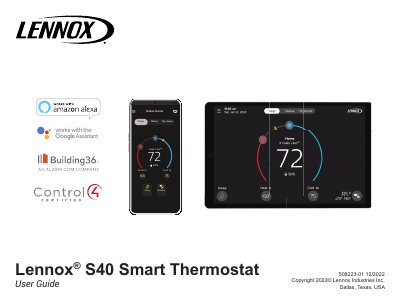
This guide explains how to use the Lennox S40 Smart Thermostat, including connecting to Wi-Fi, setting up smart features like Smart Away and FEELS LIKE, and using optional accessories. It covers display features, temperature and humidity controls, scheduling, and troubleshooting connectivity issues.
The thermostat supports variable-speed HVAC systems, dual-fuel operation, and integrates with Lennox Smart Room Sensors and Air Quality Monitors for improved comfort and air quality management.
| Display Size | 7" |
|---|---|
| Screen Resolution | 1280 x 800 |
| Screen Ratio | 16:9 |
| Dots Per Inch | 72dpi |
| Supported HVAC Systems | Variable-capacity / multiple-stage Heat • Cool, universal compatibility (gas/ electric/heat pump/air conditioner) |
| Energy Savings | Up to 30% on energy costs over single stage equipment and 15% over two stage equipment |
| Dual-Fuel Capability | When using Lennox communicating heat pump unit with two balance points |
| Humidification Measurement | Yes |
| Heat • Cool Mode | Permits control of heating, cooling, humidification, and dehumidification without user involvement |
Smart Away uses GPS in family smartphones to detect when the house is empty and adjusts the temperature to save energy. When someone is detected returning home, it restores normal operation.
FEELS LIKE optimizes and automates factors affecting comfort, including heating, cooling, and humidity, to create an ideal environment based on a single temperature setting.
Yes, it is dual-fuel capable when used with a Lennox communicating heat pump unit with two balance points.