
This is the user manual for the iComfort Wi-Fi thermostat
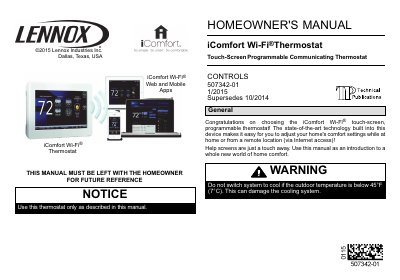
The Lennox iComfort Wi-Fi thermostat is a 7-day programmable touch-screen device with a color display designed for home comfort control. It features Precise Comfort technology for precise temperature control and supports humidification and dehumidification measurements. The device can connect to the internet via a home Wi-Fi router to provide remote access and weather information.
| Program Type | 7-day programmable |
|---|---|
| Display Type | Touch-screen with color display |
| Memory | Nonvolatile |
| Temperature Control | Within 1/2 degree |
Touch and hold the lock icon for 5 to 6 seconds to unlock the thermostat.
The thermostat will reboot after power is restored and return to the Home screen.
Yes, the thermostat supports English, French, and Spanish languages.