
This document is an instruction on how to join a Skype meeting on phone
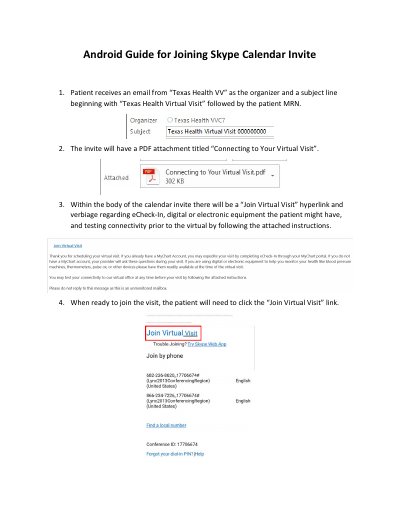
This guide explains how patients can join a virtual visit via a calendar invite on Android devices. It covers receiving the invite, installing Skype for Business, granting permissions, accepting terms, joining as a guest, and managing audio/video settings during the call.
The guide includes specific instructions for handling permissions, joining the virtual lobby or being admitted directly, and adjusting audio and video settings to ensure proper communication with the provider.
You should click the 'Join Virtual Visit' link in the email to proceed.
You will be redirected to the Google Play Store to install Skype for Business for Android.
You will be muted and no video shared by default. Click the Muted microphone button and Video button to enable them.