
Iridium 9555 Satellite Phone User Guide. This phone requires a clear line of sight to the satellites at all times. Ensure there is a clear uninterrupted view of as much sky as possible before using this phone.
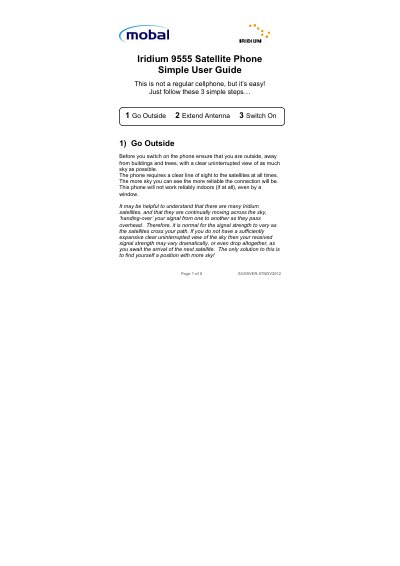
This Iridium 9555 Satellite Phone Simple User Guide explains basic operation in three steps: go outside, fully extend the antenna, and switch the phone on. It says the phone needs a clear line of sight to the satellites and will not work reliably indoors, even by a window.
The guide then covers making and receiving calls in international format, sending short text messages to phones and email addresses, receiving messages, voicemail, 2-stage dialing, and emergency call limitations. It is an 8-page guide marked SUG5VER:07NOV2012.
| Maximum text message length | 160 characters |
|---|---|
| Signal strength display | Maximum 5 bars |
| Iridium phone number length | 12 digits |
| Voicemail password | Last 7 digits of your Iridium phone number |
Dial the number in international format with the country code, then press the green key. The phone automatically inserts the + symbol.
Open Menu, select Messages and Create message. Enter the email address followed by a space and your message, then choose Send.
Call your own Iridium number and enter your Voicemail Password, which is the last 7 digits of your Iridium phone number.
No. 911 emergency calls can only be made while in the USA.