
User's guide for CITIZEN ECO-DRIVE Proximity, introduces how to connect iPhone and watch, how to disconnect, how to reconnect, etc.
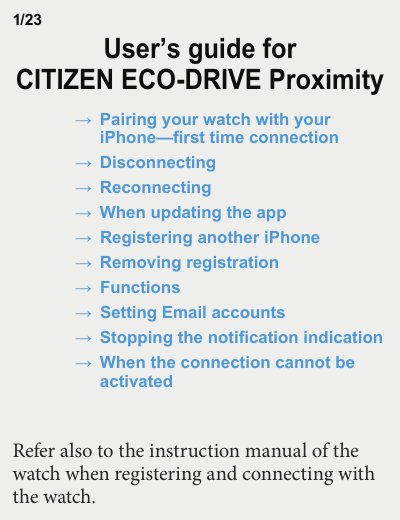
This user's guide covers the Citizen Eco-Drive Proximity watch and its connection with an iPhone. It explains first-time pairing, disconnecting, reconnecting, registering another iPhone, and removing registration.
The guide also covers stopping notification indications and troubleshooting steps when the connection cannot be activated, such as checking the watch mode, iPhone Bluetooth setting, and app scan status.
| Maximum continuous connection time | six hours |
|---|
No, you cannot register two or more iPhones.
Check the watch mode, confirm the iPhone Bluetooth setting is on, and confirm Scan is on in the app.
Remove the current registration and execute registration anew.