
This manual provides iPhone user operations instructions for using the OpenTouch® Conversation application, including application installation, setting, and usage methods.
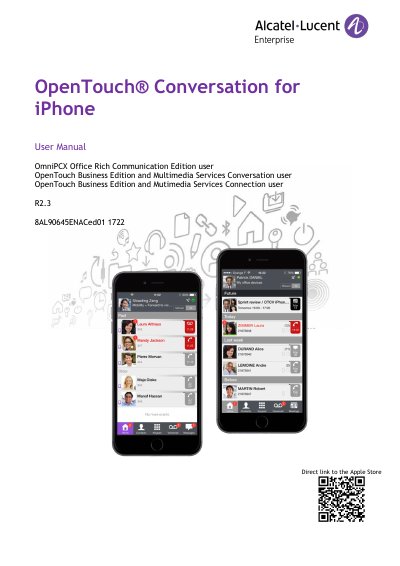
This manual describes the services offered by the OpenTouch Conversation application for iPhone. The application is common to OmniPCX Office Rich Communication Edition (OXO RCE), OpenTouch Business Edition (OTBE) and OpenTouch Multimedia Services (OTMS) infrastructures, and the system administrator customizes it depending on the host infrastructure. The document is split into chapters: one for OXO RCE users, one for OTBE/OTMS conversation users and one for OTBE/OTMS connection users.
The guide covers starting the application and signing in, settings such as the profile, VoIP activation and notifications, the homepage and status icons, call routing profiles, contacts and favorites, visual voice mail, conversations and actions during a conversation, instant messages, meetings and the Apple Watch. It also gives recommendations on contacts, Bluetooth handsets, Wi-Fi use and restricted access to phone features such as contacts, microphone and camera.
It is common to OmniPCX Office Rich Communication Edition (OXO RCE), OpenTouch Business Edition (OTBE) and OpenTouch Multimedia Services (OTMS) infrastructures.
Open the 'About' section in the application.
The password is the same as the voicemail.
Yes, by default the VoIP setting is activated; it can be turned on or off in the routing profile management.