
This user manual provides instructions for the Alcatel-Lucent IP Touch 4028 and 4029 Digital Phones, covering call management, programming, and feature usage.
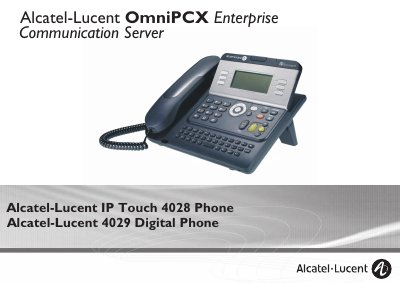
This manual covers the Alcatel-Lucent IP Touch 4028 and 4029 Digital Phones, detailing their ergonomic layout, large graphic screen, and various keys for effective communication. It explains how to use the device for making and answering calls, utilizing audio keys, and managing calls via the display and navigation keys.
The guide provides comprehensive instructions on using the telephone's features, including calling parties by name, managing multiple calls, transferring and conference calls, and sharing lines. It also covers programming the device, such as customizing voice greetings, adjusting audio features, and configuring keys for the Main page.
Pressing this key prevents your party from hearing you.
A green flashing LED indicates the arrival of an internal call.
The intercom list can hold a maximum of 10 numbers.