
This document introduces the operation instructions of IntraSight system, including the methods of powering on and preparing the system for use
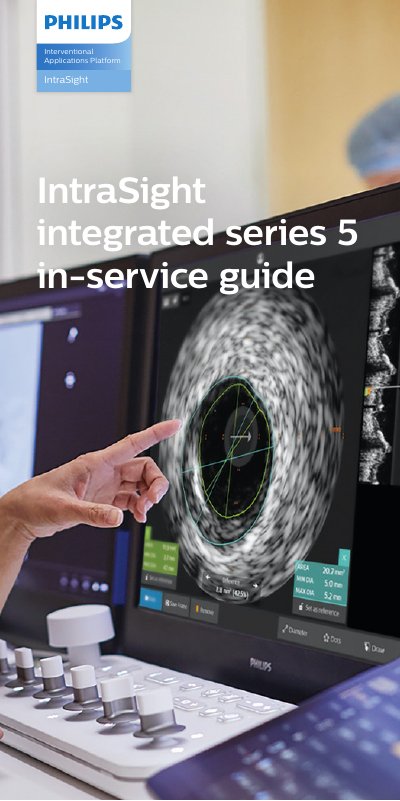
The document provides step-by-step instructions for preparing the IntraSight system for daily use, including power-on procedures, user access options (Service, Emergency, Account Login), patient information entry via worklist or manual input, and navigation of the shared case menu to start new iFR/FFR or IVUS cases.
It details the workflow for initiating iFR/FFR cases, connecting the FM-PIM accessory, flushing and auto-zeroing pressure wires, performing iFR Spot and iFR Pullback measurements, and exporting screen images to USB or printing. Additional sections cover the bedside Touch Screen Module (TSM) synchronization and system shutdown.
| FM-PIM compatibility | Operates pressure wires for both iFR and FFR modalities; adapter required for Verrata Plus pressure guide wire |
|---|---|
| iFR measurement duration | Up to 25 cardiac cycles depending on pressure reading stability |
| iFR Pullback speed | 1 mm per second |
Turn on the system using the power button located on the front of the workstation at the beginning of each day.
Insert a USB drive into the USB port at the back of the panel PC, then select 'Export screen to USB' from the three-line icon next to the Philips logo.