
Introduces the start-up conditions and start-up steps of the Aquavar IPC controller.
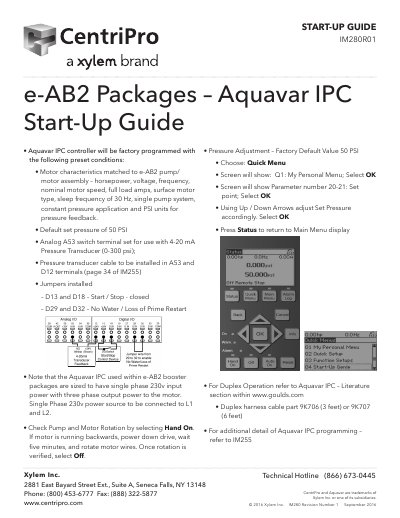
This guide details the factory-default setup for the Aquavar IPC controller used in e-AB2 booster packages. It includes motor characteristics, pressure settings, and wiring instructions. Users are instructed to verify motor rotation and adjust pressure if needed. The guide also covers duplex operation and pump protect functions, with references to additional documentation for advanced programming.
| Default Set Pressure | 50 PSI |
|---|---|
| Motor Characteristics | Horsepower, voltage, frequency, nominal motor speed, full load amps, surface motor type, sleep frequency of 30 Hz, single pump system, constant pressure application and PSI units for pressure feedback. |
| Input Power | Single phase 230V |
| Pressure Transducer | 4-20 mA, 0-300 psi |
The default set pressure is 50 PSI.
Select Hand On. If the motor runs backwards, power down the drive, wait five minutes, and rotate the motor wires. Once verified, select Off.