
Quick-start guide for configuring Xylem Hydrovar Fifth Generation for speed control using analog inputs from PLC, BMS, or potentiometers.
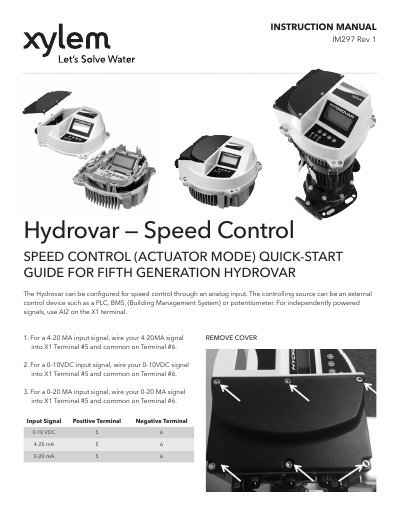
This guide explains how to configure the Hydrovar Fifth Generation for speed control using analog inputs. It details wiring for 4-20mA, 0-10VDC, and 0-20mA signals on terminals X1/5 and X1/6. It also covers parameter settings for different software versions, including password access and sensor configuration. The guide assumes the device is in Actuator mode for direct control via analog input.
The document includes setup steps for versions 2.00–2.10 and 2.20+, specifying parameter adjustments for required value control and sensor range mapping. It provides terminal connection diagrams and notes on compatibility with external control devices.
Wire the 4-20mA signal to X1 Terminal #5 and common to Terminal #6.
Enter the password “66666666” and hold the □ button for 3 seconds.