
This manual explains how to use the INREACH SE®+ and INREACH EXPLORER®+ devices.
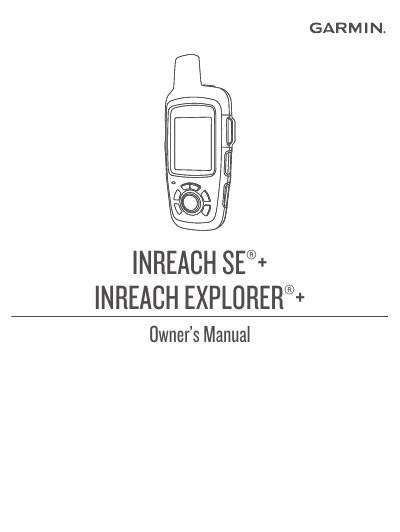
This manual covers the setup and operation of the Garmin INREACH SE+ and INREACH EXPLORER+ satellite communicators. It details how to activate the device, charge the battery, and use the status LED and icons to monitor device health and connectivity. The guide explains how to send and receive text messages, preset messages, and social media posts via the Iridium satellite network.
| Satellite Network | Iridium satellite network |
|---|---|
| Activation Time | up to 20 minutes |
| Bluetooth Range | 3m (10 ft.) |
| Message Listen Interval | 10 minutes |
Activation may take up to 20 minutes as the device sends and receives several messages.
Yes, you can pair the device with a compatible smartphone using the Earthmate app to access features on a larger touchscreen.
Select the SOS key (under the protective cap) to initiate an SOS rescue.