
This is a quick reference guide that introduces the use of Garmin GNC 300XL
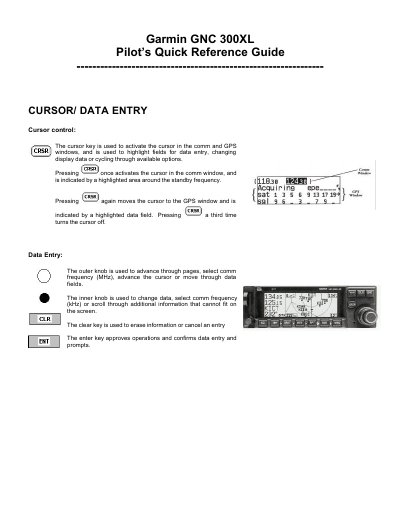
This guide provides pilots with concise instructions for operating the Garmin GNC 300XL, including cursor control, frequency selection, direct-to navigation, and approach procedures. It covers essential functions like waypoint selection, communication setup, and special use airspace alerts. The guide also explains how to manage routes, activate approaches, and use the GPS SEQ switch for automatic sequencing during navigation.
The GNC 300XL supports direct-to navigation, route creation, and approach sequencing with automatic CDI scale transitions. Pilots can adjust volume, override squelch, and enter altimeter settings for improved accuracy during approaches. The guide includes detailed steps for selecting airports, VORs, NDBs, and user waypoints, as well as managing SUA alerts and navigation pages.
Press the key, rotate to select the first character of the identifier, use the inner knob to select next characters, press to confirm the identifier, then press to confirm the direct-to destination.
Rotate the power/volume knob to adjust the volume.
Press the squelch key to override automatic squelch, press again to return to automatic squelch.
Press and rotate to display the position page, press twice and rotate to highlight the pressure field, enter the setting using the knobs, then press to confirm.