
This document is the user manual for garmin vívoactive 4/4s watch
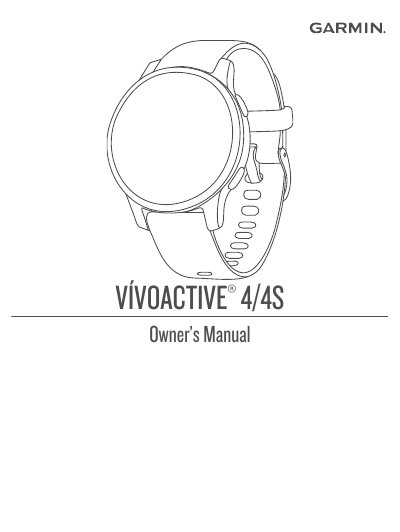
This manual provides step-by-step instructions for setting up and using the Garmin VÍVOACTIVE 4/4S smartwatch. It covers pairing with smartphones, using Bluetooth and Wi-Fi features, managing notifications, tracking activities, and configuring health and safety features. The guide also includes troubleshooting tips and device care instructions.
The watch supports smart features like Garmin Pay, phone notifications, and emergency assistance. It includes heart rate monitoring, pulse oximeter, VO2 Max estimation, and menstrual cycle tracking. Users can customize watch faces, set alarms, and adjust GPS settings for optimal performance.
| Model | VÍVOACTIVE 4/4S |
|---|---|
| Battery Life Information | Not specified in text |
| Bluetooth Compatibility | Yes |
| Wi-Fi Compatibility | Yes |
Pair your smartphone using the Garmin Connect app. Press the action button to turn on the device, or hold it and select > Pair Phone to manually enter pairing mode.
Press the action button to turn on the device.
Hold the action button for 5 seconds to request assistance.
A flashing icon means the device is searching for a signal.