
APPROACH ® S70 Owner’s Manual
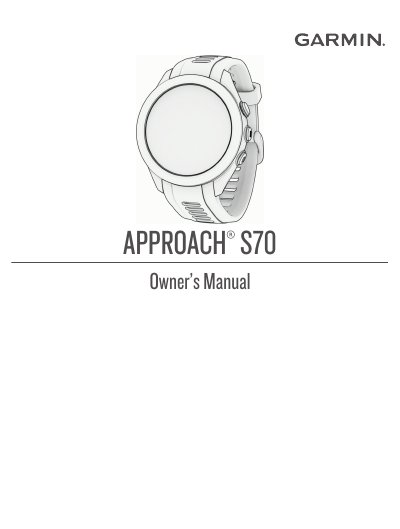
This manual provides step-by-step instructions for setting up and using the Garmin Approach S70 golf watch. It covers pairing your phone, charging the device, using golf features like virtual caddie and distance measurement, and managing connectivity options including Bluetooth and Wi-Fi. It also explains how to customize settings, track performance, and troubleshoot common issues.
The guide includes detailed sections on golf-specific features such as scoring, handicap tracking, swing tempo training, and course management. It also covers general watch functions like alarms, timers, heart rate monitoring, and sleep tracking, as well as advanced settings and device care.
Ensure your phone is paired with the watch and that the Garmin Golf app is installed and updated.
The watch must be paired directly through the Garmin Golf™ app, not via Bluetooth® settings on your phone.
Scan the QR code with your phone and follow the on-screen instructions to complete the pairing process.
Answer the watch prompts during setup about your preferred language.