
G5 User's Manual is an instruction manual about the Garmin G5 electronic instrument display, covering the function, operation and maintenance methods of the product.
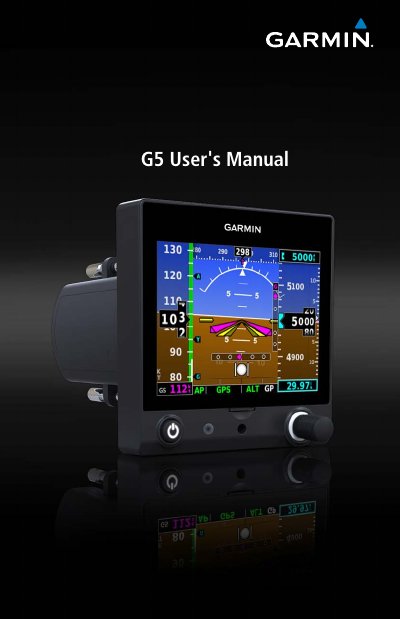
The Garmin G5 is an electronic instrument display designed to operate as a standalone flight display or as a fully integrated backup instrument for G3X systems. It features a bright, sunlight-readable 3.5-inch color display sized for a standard 3-1/8-inch instrument cutout. The unit includes a built-in inertial reference system and an optional battery backup that sustains the display for up to 4 hours in the event of aircraft power loss.
| Display Size | 3.5-inch color display |
|---|---|
| Cutout Size | 3-1/8-inch instrument cutout |
| Backup Power Duration | up to 4 hours |
| Maximum microSD Card Size | 32G |
Press the Power Button to turn the unit ON. Press and hold the Power Button for 5 seconds to turn the unit OFF.
When a G5 function fails, a large red 'X' is typically displayed over the instrument(s) or data experiencing the failure.
Yes, the G5 is capable of operating as a standalone flight display.