
Garmin Forerunner 245/245 Music Owner's Manual
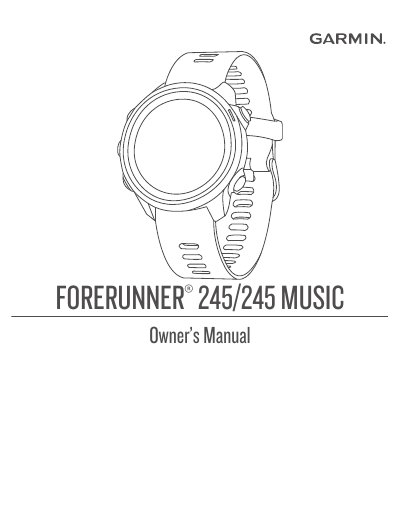
This document serves as the official Owner's Manual for the Garmin Forerunner 245 and Forerunner 245 Music smartwatches. It covers the complete lifecycle of the device, from initial setup and pairing with a smartphone to advanced usage of fitness and health features. The guide details how to start and stop various activities, including running, swimming, and strength training, as well as how to utilize specific features like Music playback, Pulse Oximeter, and Body Battery.
| Product Name | Forerunner 245/245 Music |
|---|---|
| Copyright Year | 2019 |
Select the START/STOP button to start and stop the activity timer.
The LIGHT button turns the device on and turns the backlight on and off.
The START STOP button is used to start and stop the activity timer.
The BACK button returns to the previous screen or records a lap during an activity.