
This guide covers features, hardware requirements, and applications for FARO Zone 3D 2018, a software tool for scene reconstruction in VR.
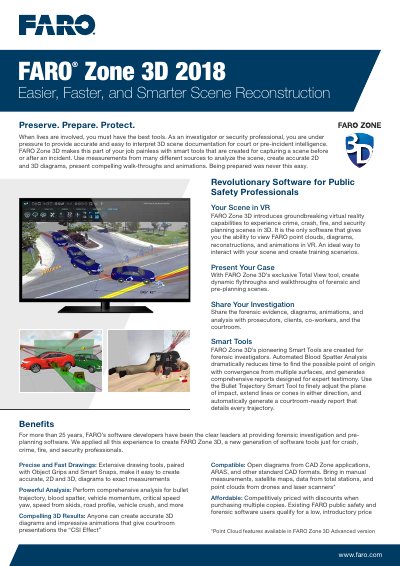
FARO Zone 3D 2018 is specialized software designed for public safety professionals to reconstruct crime scenes, accidents, fires, and security planning scenarios. It enables users to create accurate 2D and 3D diagrams, animations, and virtual reality experiences from various data sources including point clouds, CAD files, and manual measurements.
| Operating System | Microsoft Windows 7, 8, or 10 |
|---|---|
| Processor Requirement | Intel i7 or better |
| RAM (Minimum) | 8 GB of RAM |
| Hard Drive Space | 12 GB free hard drive space |
| Graphics Card | Nvidia Quadro 2000, GeForce 400+, or better |
| VR Device Support | Oculus or VIVE |
The minimum requirement is 8 GB of RAM, though 16GB or higher is recommended.
Yes, it introduces groundbreaking virtual reality capabilities to experience scenes in 3D.