
This is a EXFO FTB-500 optical test instrument manual
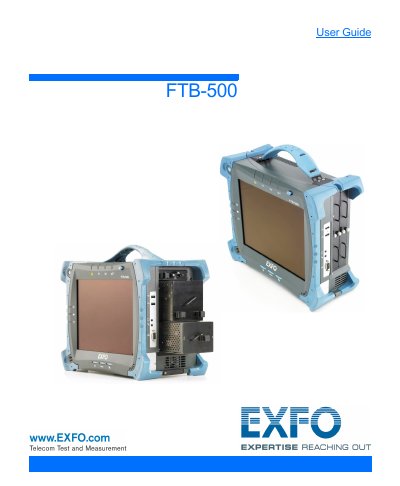
The EXFO FTB-500 is a Telecom Test and Measurement instrument designed for optical testing. This guide provides instructions on introducing the unit, including its main features, LED indicators, and function buttons. It details the power sources and automatic fan speed management capabilities.
The manual covers safety information, grounding, and positioning of the unit. It explains how to insert and remove test modules, turn the unit on and off, and configure settings at first startup. Users will learn how to access ToolBox, start module applications, and use the on-screen keyboard. The guide also addresses working with Windows 8.1 Pro, right-clicking with the touchscreen, and installing or upgrading applications.
| Document Version | 9.0.1.1 |
|---|---|
| Product Part Number | 1070459 |
You can access ToolBox by following the instructions in the 'Getting Started with Your Unit' section.
Yes, the guide includes specific instructions for working with Windows 8.1 Pro.
You can view disk space, manage files, transfer data via Bluetooth, and connect to a wireless network.