
Guide to fiber inspection tips, SmarTips and adapters for EXFO’s FIP-500 and FIP-400B scopes, including compatibility and ordering info.
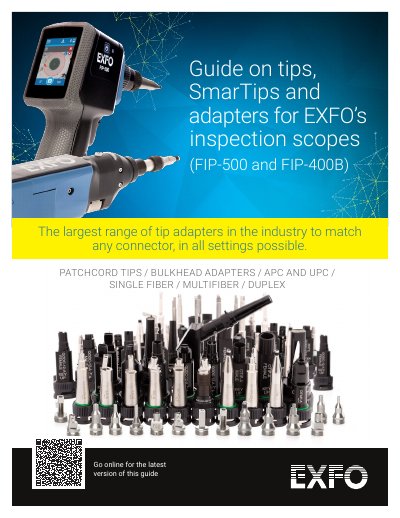
This guide details the range of tips, SmarTips and adapters compatible with EXFO’s FIP-500 and FIP-400B fiber inspection scopes. It covers single-fiber, duplex and multi-fiber connectors, with quick-reference charts for ordering. The innovative SmarTip design allows one-handed tip switching and automatic pass/fail threshold adjustment for faster, more accurate inspections.
The document also includes part numbers, descriptions and compatibility tables for various adapters, including bulkhead types, optical heads and kits for different connector standards like SC, LC, MPO and E2000. Accessories such as carrying cases and holsters are also listed for convenience.
| Optical Head | OHSF, OHSF-A60, OHMF, OHMF-A60 |
|---|---|
| Connector Types | SC, LC, MPO, E2000, MU, ST, SN, Q-ODC |
| Tip Switching Mechanism | Quarter-turn click |
Accessories include compartmented plastic cases, belt holsters, soft carrying cases and rigid carrying cases.
Users can swap tips in a quarter-turn click.
The duplex tip provides a 50% time saving on duplex connector inspection.
Pass/fail thresholds are automatically adjusted by tapping the SmarTip on the FIP-500.