
FIP-500 is a fiber inspection scope produced by EXFO company, which is used to detect the quality of optical fiber
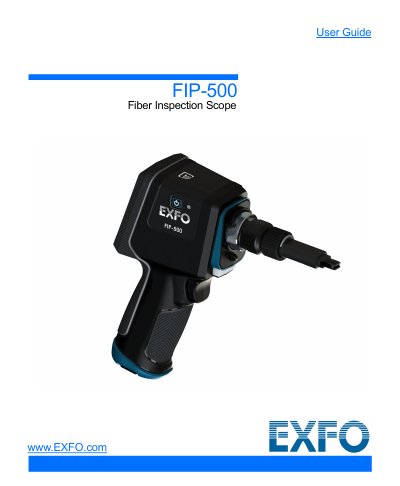
This document is the user guide for the EXFO FIP-500 Fiber Inspection Scope. It provides instructions on introducing the unit, including its main features and available configurations. The guide details how to turn the unit on and off, configure settings at first startup, and understand the inspection screen.
| Bluetooth Frequency Range | 2402 MHz - 2480 MHz |
|---|---|
| Wi-Fi Frequency Range | 2412 MHz - 2462 MHz |
| NFC/RFID Frequency | 13.56 MHz |
| Bluetooth Output Power | 11.7 dBm typical |
| Wi-Fi Maximum Output Power | 18.5 dBm |
The guide includes a section on changing the unit's optical head as part of the initial setup and usage instructions.
Yes, the unit can establish a connection with a smart device via Bluetooth technology to use the EXFO Exchange Application.
You can access online documentation or contact the Technical Support Group for assistance.