
Key facts
- Brand
- EXFO
- Model
- FTB-500
- Category
- Other Electronics
- Documents
- 2
- Languages
- EN
- Last added
- 2023-10-21
Start here
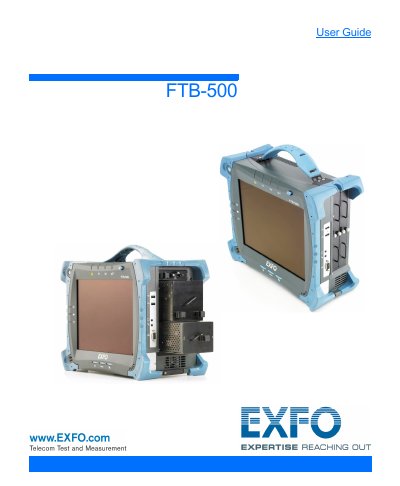
EXFO FTB-500 Optical Test Instrument User Guide
The EXFO FTB-500 is a Telecom Test and Measurement instrument designed for optical testing. This guide provides instructions on introducing the unit, including its main features, LED indicators, and function buttons. It details the power sources and automatic fan speed management capabilities.
The manual covers safety information, grounding, and positioning of the unit. It explains how to insert and remove test modules, turn the unit on and off, and configure settings at first startup. Users will learn how to access ToolBox, start module applications, and use the on-screen keyboard. The guide also addresses working with Windows 8.1 Pro, right-clicking with the touchscreen, and installing or upgrading applications.
All EXFO FTB-500 documents by type
Day-to-day operation, settings and troubleshooting. Start here if the product is already set up.
Questions answered in these manuals
How do I access ToolBox on the FTB-500?
You can access ToolBox by following the instructions in the 'Getting Started with Your Unit' section.
Can I use the FTB-500 with Windows 8.1 Pro?
Yes, the guide includes specific instructions for working with Windows 8.1 Pro.
What is the FTB-5700 used for?
It is a single-ended dispersion analyzer for measuring CD and PMD from one end of a fiber.
From: EXFO Single-Ended Dispersion Analyzer for FTB-500 FTB-5700 User Guide
What type of connector is required at the remote end of the fiber to use the FTB-5700?
A UPC connector is required at the remote end of the fiber.
From: EXFO Single-Ended Dispersion Analyzer for FTB-500 FTB-5700 User Guide