
This document introduces the use and functions of VTECH VM5263 video monitor
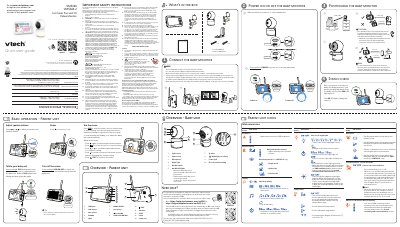
This manual provides step-by-step instructions for setting up and operating the VTech VM5263 full-color pan and tilt video monitor. It covers connecting the device, powering on/off, adjusting volume and zoom, and using the menu for settings like lullaby playback and sound sensitivity. Safety precautions are included, such as keeping cords out of reach of children and avoiding use near water or with extension cords. The document also includes technical specifications and contact information for support.
| Frequency Control | Crystal controlled PLL synthesizer |
|---|---|
| Transmit Frequency | Baby unit: 2405 - 2475 MHz, Parent unit: 2405 - 2475 MHz |
| Channels | 32 |
| LCD | 5” Color LCD (WQVGA 480x272 pixel) |
| Power Requirements | Parent unit: 3.8V Li-ion battery, Baby unit power adapter: 5V DC @ 1A, Parent unit power adapter: 5V DC @ 1A |
Slide the switch to power on or off your baby unit. Press and hold POWER to power on or off your parent unit.
The default volume is level 4, and the maximum volume is level 7.
They should be more than 3 feet (1 meter) apart to avoid interference or high-pitched noise.
Lower the volume of your parent unit or ensure the units are more than 3 feet (1 meter) apart.