
This manual provides instructions for the VTech Switch & Go Dragon Roadhog, covering battery installation, transformation steps, and troubleshooting.
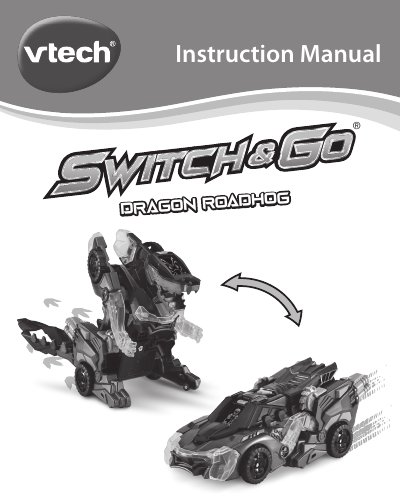
The VTech Switch & Go Dragon Roadhog is a toy that transforms from a race car into a dragon. It features an animated LCD screen, sound effects, and movement triggered by buttons. The manual explains how to install batteries, use the volume and mode selectors, and operate the transformation mechanism.
| Battery Type | 2 AA batteries |
|---|---|
| Automatic Shut-Off | Approximately 20 seconds |
| Product Name | Switch & Go Dragon Roadhog |
Press the Release Button to automatically switch from Vehicle to Dragon mode, or press the Transform Button to switch from Vehicle mode to Dragon mode.
No, do not mix old and new batteries, or mix alkaline, standard, or rechargeable batteries.