
Abridged user manual for VTech DECT 6.0 cordless telephones covering installation, battery charging, settings, directory, speed dial, caller ID, and…
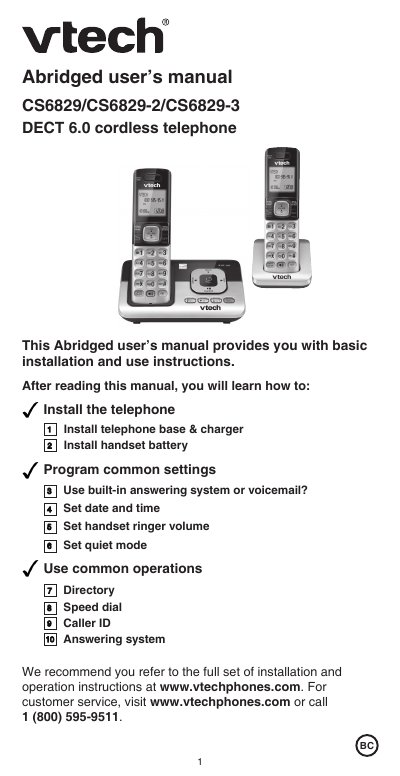
This abridged user manual provides basic installation and use instructions for the VTech CS6829/CS6829-2/CS6829-3 DECT 6.0 cordless telephone. It covers essential tasks such as installing the base and charger, charging the handset battery, setting the date and time, and programming common settings like ringer volume and quiet mode. The guide also explains how to use the directory, speed dial, caller ID, and the built-in answering system.
| Battery Type | 2.4V Ni-MH |
|---|---|
| Directory Capacity | up to 50 entries |
| Caller ID Log Capacity | up to 50 entries |
| Max Handsets | five handsets |
| Handset Count (CS6829-2) | 2 |
| Handset Count (CS6829-3) | 3 |
| Remote Access Code | 19 |
You should charge the battery for 11 hours before initial use.
Yes, you can expand the system by adding expansion handsets, purchased separately.
The preset remote access code is 19.
The directory can store up to 50 entries which are shared by all system handsets.