
Quick start guide for the VTECH IS9181 WiFi Internet Radio, covering setup, operation, and features like Internet radio, FM, and My Music.
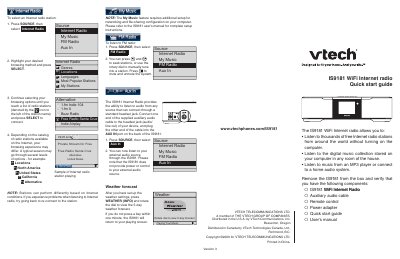
This document is a quick start guide for the VTECH IS9181 WiFi Internet Radio. It provides instructions for initial setup, including connecting to a wireless network, setting the clock, and configuring weather settings. The guide explains how to navigate the system menu to select sources such as Internet Radio, FM Radio, My Music, and Aux In.
The IS9181 is a WiFi Internet radio that allows you to listen to thousands of free Internet radio stations from around the world without turning on your computer.
The system displays a progress bar while initializing, which could take up to three minutes to complete.
Once you enter your password, the unit attempts to connect to your wireless network, which could take up to one minute.