
User manual for VTech Kidizoom Plus digital camera with photo/video features, SD card support, and TV/PC connectivity.
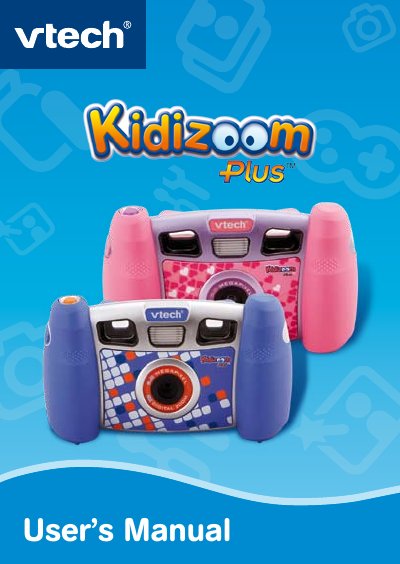
This user manual guides you through using the VTech Kidizoom Plus digital camera. It covers battery installation, memory storage, connecting to a TV or computer, and using camera modes like photo, video, slide show, games, and photo editing. The camera features a 2.0 megapixel sensor, 256MB internal memory, and supports SD/SDHC cards up to 16GB. It also includes a USB port for PC connection and an A/V port for TV viewing.
| Display | 1.8” color LCD screen |
|---|---|
| Picture Resolution | Photo: 1600x1200 (2.0 megapixel resolution) or 640x480 (0.3 megapixel resolution) |
| Video Resolution | 320x240 |
| Memory | 256MB built-in memory |
| Supported SD Card Size | 32MB to 16GB |
Connect the camera to a TV using the included A/V cable. Insert the A/V cord into the A/V port on the camera and plug the colored ends into the matching video and audio input ports on the TV.
The camera supports SD and SDHC cards up to 16GB in size.
You can store up to 500 photos in 2.0 megapixel resolution.