
Phonak ComPilot Bluetooth Pairing Guide

This document describes how to pair Phonak ComPilot with Sony Ericsson Bluetooth phones.
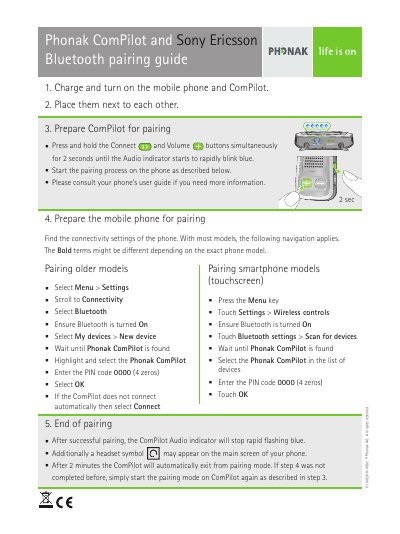

Phonak ComPilot Bluetooth Pairing Guide - cover page
Brand
Phonak
Category
Health Care
Document type
User Manual
Language
English
Pages
1
File format
PDF
File size
1 MB
Published
21 October, 2023
Updated
21 October, 2023
MD5 checksum
13B1FB75FBFE5853BCD16A50DF24E289

About this manual

This guide explains how to pair the Phonak ComPilot with Sony Ericsson mobile phones via Bluetooth. It includes steps to charge and turn on both devices, prepare the ComPilot for pairing by pressing buttons, and configure the phone’s Bluetooth settings. The guide also covers how to confirm successful pairing and what to do if the process is interrupted.

What's inside

  • Charge and turn on devices
  • Prepare ComPilot for pairing
  • Prepare mobile phone for pairing
  • End of pairing

Frequently asked questions

How do I prepare the ComPilot for pairing?

Press and hold the Connect and Volume buttons simultaneously for 2 seconds until the Audio indicator starts to rapidly blink blue.

What is the PIN code for pairing?

Enter the PIN code 0000 (4 zeros).

Download PDF (1 MB)

More Phonak Manuals


View all Phonak manuals →