
testo 890 thermal imager operation manual, introduces the features and characteristics of this product, operating steps, maintenance and other content
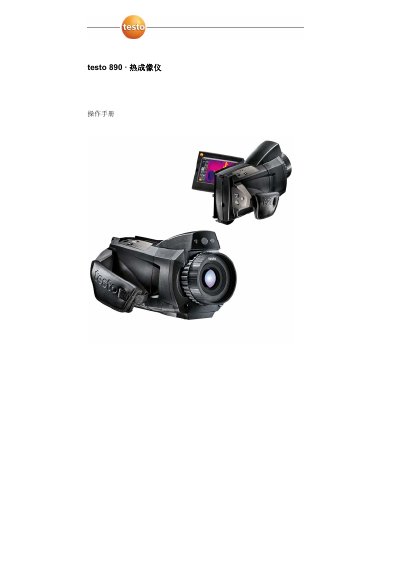
This is the operation manual for the Testo 890 thermal imager, detailing safety precautions, technical specifications, setup procedures, and operational steps. It includes sections on product components, display interface, measurement functions, image capture, storage, and maintenance. The manual also covers troubleshooting and lists accessories and spare parts available for the device.
The device is designed for non-contact surface temperature measurement and is suitable for applications such as building inspections, preventive maintenance, and production monitoring. It features a 640x480 pixel detector, touch screen, and optional long-range lens. The manual provides step-by-step instructions for installing batteries, charging, adjusting focus, capturing images, and managing files. This manual is written in Chinese.
| Detector Type | FPA 640 x 480 pixels, a.Si |
|---|---|
| NETD | < 40 mK at 30°C |
| Field of View / Minimum Focus | 42° x 32° / 0.1 m (standard lens) |
| Display | 10.9 cm (4.3") LCD touch screen |
| Battery Type | Fast charge Li-ion, replaceable |
| Operating Temperature | -15 - 50°C (5 - 122°F) |
| Weight | 1630 g (with battery) |
| IP Rating | IP54 |
Check if the storage card is inserted or if it is faulty.
The measurement value is out of range. Change the measurement range.
The measurement value cannot be calculated. Check if the parameters are set correctly.