
This article describes how to install Quartus software on Apple M1 Mac computers and run Windows operating system through Parallels virtual machine.
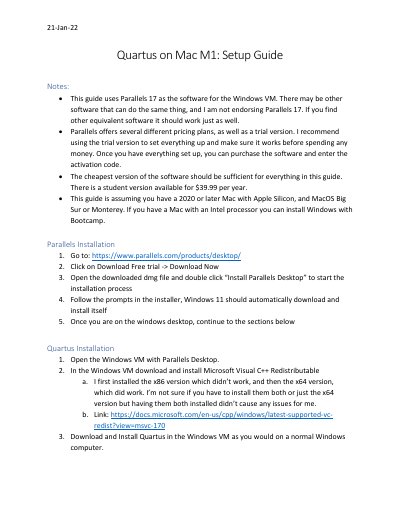
This guide explains how to install Intel Quartus on Apple M1 Macs using Parallels Desktop to run a Windows virtual machine. It covers downloading and installing Parallels, installing Microsoft Visual C++ Redistributable, installing Quartus, and troubleshooting common errors like missing DLL files. The guide also includes notes on saving files and installing Microchip/Atmel Studio for specific courses.
Parallels 17 is recommended, but other software may work equally well.
Save files only to the C: drive, not to the Mac system.
Download the missing DLL from https://www.dll-files.com and place it in the Quartus bin64 folder.